


7 May 2025 -The past is getting much more vivid. If you’ve been looking at an old black and white photo and wondered what it would look like full color, ChatGPT can now assist you in bringing those images to life with the help of AI-powered images.
The previously manual process of photo colorisation has taken a huge leap forward thanks to AI tools that are integrated with ChatGPT Plus. Here’s how to use ChatGPT to transform your black and white photos into vibrant, real photos.
What Is AI Colourisation?
AI colorisation employs deep-learning models to analyse grayscale images, and then create natural-looking colors. It doesn’t simply splash random shades, it examines the textures, objects and historical palettes to produce real-looking, complex results.
The latest version of OpenAI’s model (with capability to input images) helps make this method easier to understand -without the requirement for technical knowledge.
How to Colourise Black-and-White Photos Using ChatGPT
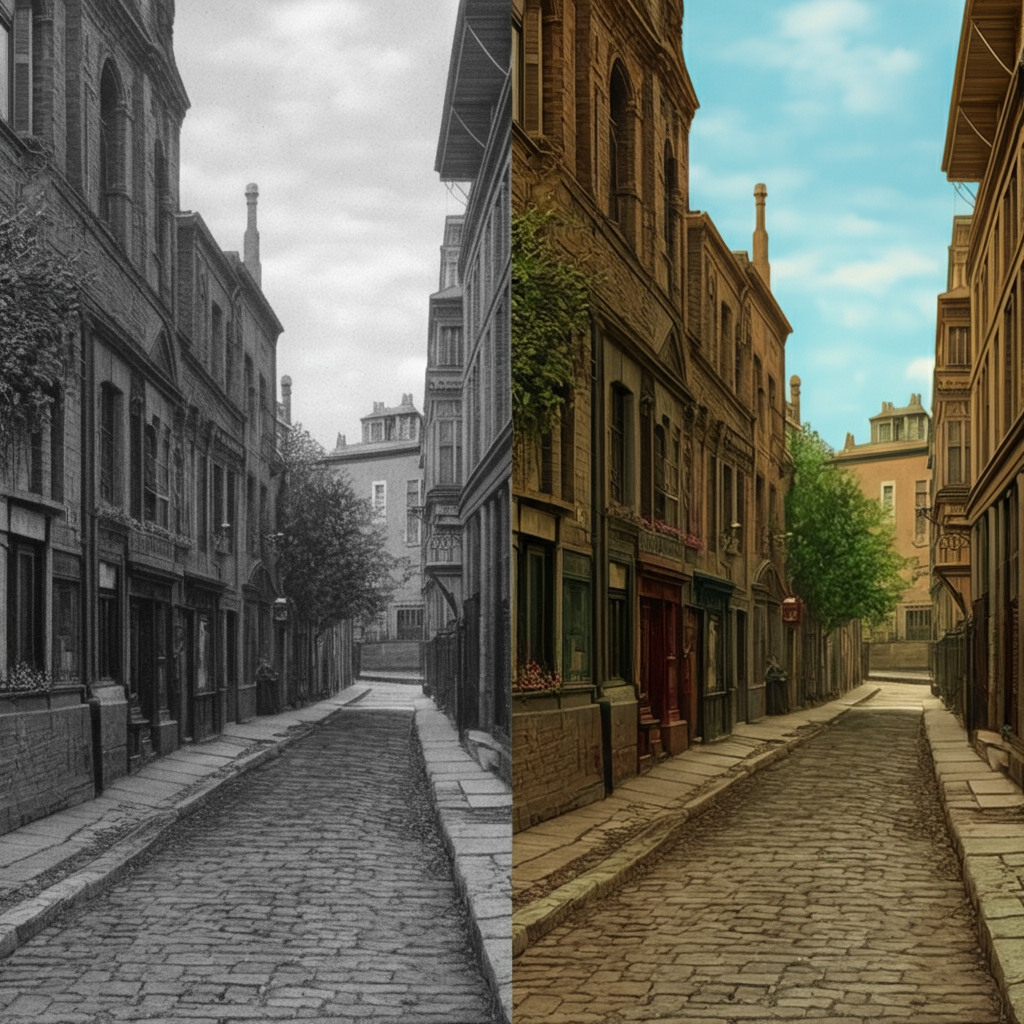
Follow these steps to colourize your photos from the past using ChatGPT Pro (with the ability to input images):
Step 1: Subscribe to ChatGPT Plus
To use features related to images You’ll require to purchase the ChatGPT Plus program which includes GPT-4 with image capabilities.
Step 2: Upload Your Photo
After you have joined the chat, upload your black-and-white image straight into the chat.
Step 3: Ask ChatGPT
It is as easy as typing:
“Can you colourise this black-and-white photo?”
ChatGPT processes the picture and give you an colourized version (or provide steps or tools to achieve this if you have a vision issue in the user account).
Step 4: Download and Save
After processing, download your colourised image and experience the moment in full color!
Alternative Tools ChatGPT May Recommend
If you don’t have GPT-4 for visual vision ChatGPT will guide you via the use of AI-based external tools for example:
-
DeOldify: GitHub Repo
-
Hotpot.ai: Colourise Tool
-
MyHeritage in Color for family history enthusiasts
Tips for Best Results
-
Make use of High-Resolution Scans from your first images
-
Portraits and outdoor shots work well
-
Do not upload damaged or faded photos to ensure greater accuracy
Why It Matters
This feature is an absolute game changer for historians families and the digital artist. It lets us connect to the past in an emotionally and stunning mannerpowered by AI but rooted in our personal memories.
For more tutorials on technology and innovative AI ideas, check out ArtKerala.com — your go-to source for innovative ideas as well as digital technology.


